
Built around the age of your child.
On your phone
No login of their own. Open “Léa's view” to show her balance, goals and gifts, then come back with Face ID or your passcode.
Their own login, your approval
They sign in on their own phone. You approve it by push and by SMS from TAVA, and you can log them out at any time.
Their own account
An ID check, a MoMo or Orange number in their own name, and their balance and goals move over. You stop seeing their activity.
Grandma can send a gift. Strangers can't.
You choose who can send money to your child. Family members' gifts go straight in and you're told. Anyone else waits for you.

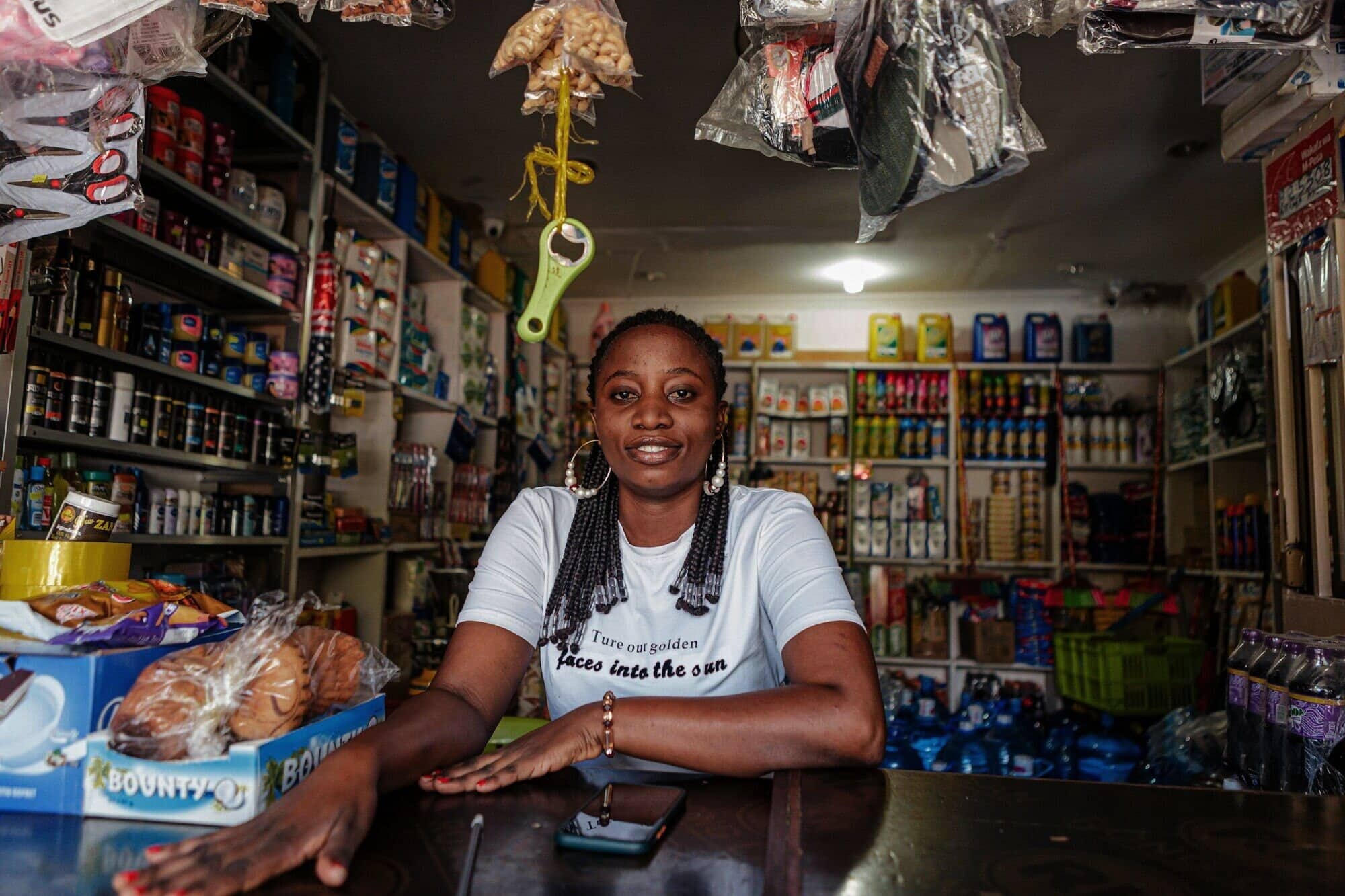
They pay the shop. You set the limit.
Teens can pay Tava businesses by QR within the limits you set. A payment above the limit asks you first.
Only you can move money out.
A kids balance is held in your name, as part of your Tava account. There is never a direct withdrawal from a kids balance to MoMo or Orange.
| Action | Parent | Teen 13–17 |
|---|---|---|
| See balance and activity | All | Own |
| Receive gifts and say thank you | — | Yes |
| Pay a Tava business by QR | — | Within limits |
| Send money to people | — | No |
| Withdraw to MoMo or Orange | Moves it to own balance first | No |
| Choose who can send gifts | Yes | No |
Family needs a parent or legal guardian with a verified Tava account (ID and selfie). Tava may ask for a birth certificate or a jugement supplétif. We don't market to children or build profiles of them, and voice notes from kids are deleted on a schedule.
Set up Family in the app.
Me → Family → Add a child. You'll need your ID if you haven't verified yet.